Winding path steps
A thin black line winds down a gray page, a red disc rolls into every turn and each step arrives word by word.
Processes6–8 s16:9, 9:16, 1:1Build with Remotion, HyperFrames or HTML
Your prompt
Your prompt is ready
Leave your email to see it and copy it. Free during launch.
Paste it into Claude (Claude Code works best). It builds the scene and shows you 3 still frames before rendering. How to use it
About this animation
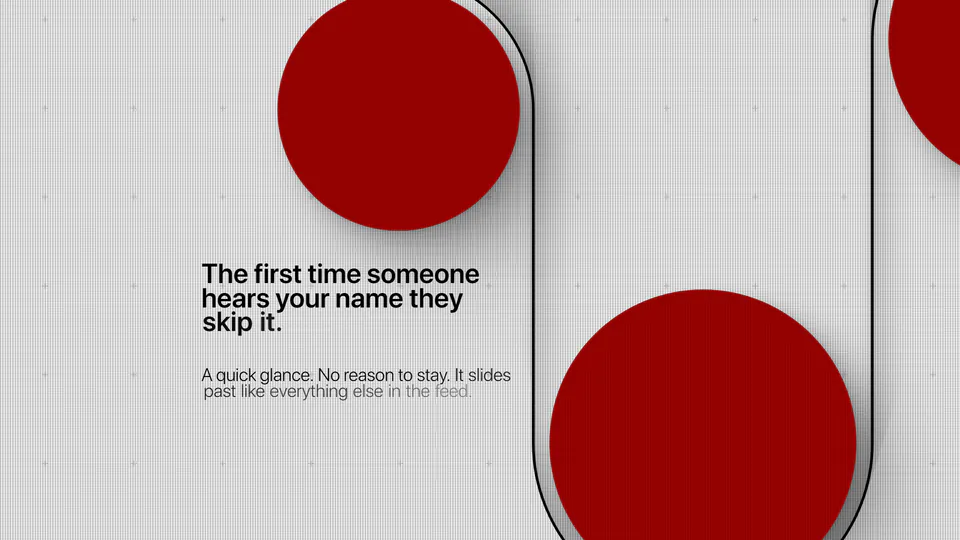
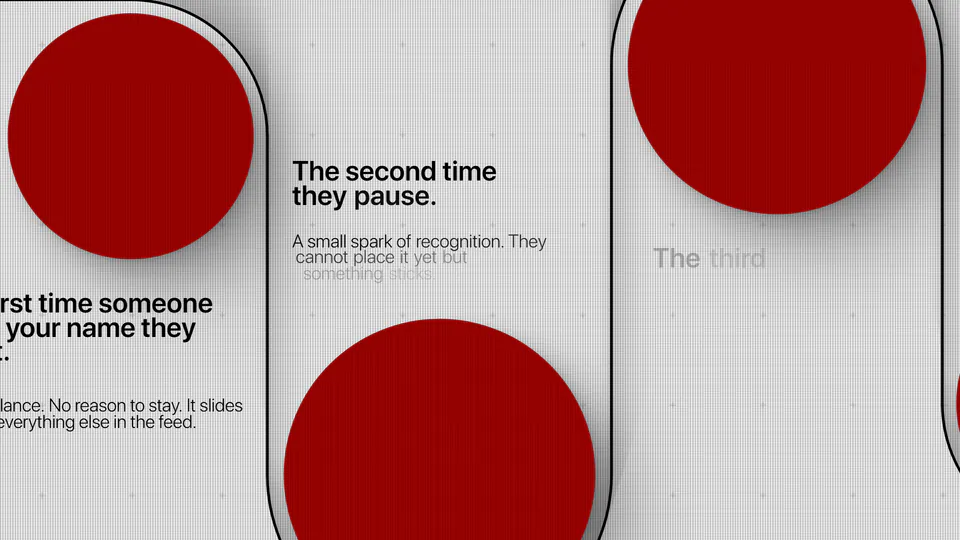
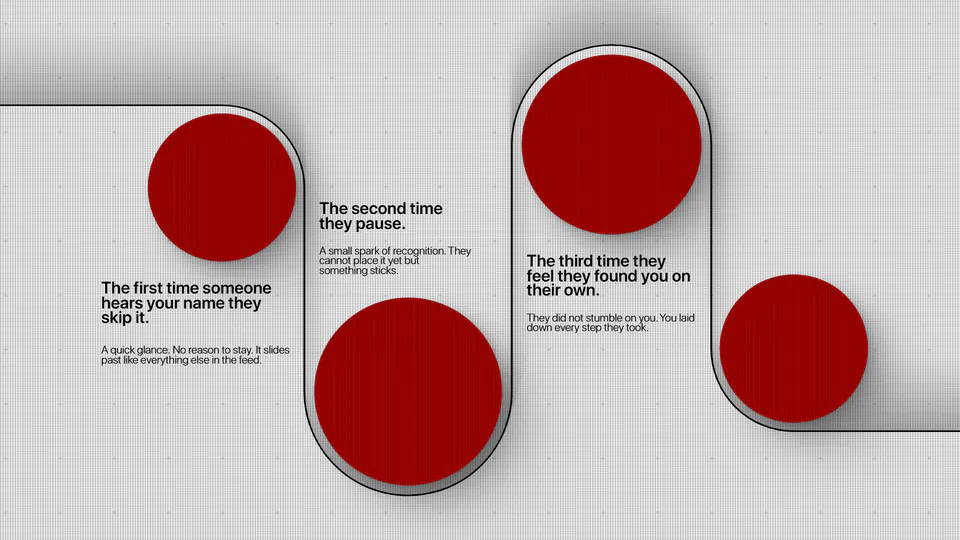
Some ideas only make sense as a journey: the first time, the second time, the third time. This scene draws that journey. Deep red discs roll in from the edges of a light gray page, and a thin black line runs down from the top edge and turns back and forth around them like a mountain road. Beside every disc, a short semibold title and a lighter sentence slide in word by word from the right, while the camera travels along the road from one stop to the next before pulling back to show the whole route at once.
The look is editorial, closer to a printed magazine page than to a tech dashboard. A fine screen weave covers the whole frame and darkens the paper far more than the red, so the discs stay deep and clean. Small plus marks are printed on the paper at regular intervals, the discs sit on the page with long soft shadows, and the line casts its own soft shadow, long beside the vertical stretches and short under the rows. The type is Inter Display in two weights. There is no 3D and no glow: the depth comes only from the shadows. Every key and easing curve comes from a professional After Effects edit, frame for frame: the discs and the road arrive together, the camera follows the road from stop to stop, then a hard cut with a quick blur flash lands on the whole route. Type two to four steps, each with an optional sentence, and the road, the discs and the timing rebuild themselves in 9:16, 16:9 or 1:1.
Scene timeline
Second by second, with the example content. Timing adapts to your text.
- 0.0 s
Discs roll into the turns
Four red discs slide in from beyond the edges of the frame, alternately from the left and the right, 0.2 seconds apart, each in 1.13 seconds on a slow-fast-slow curve. The first one is already moving on the first frame.
- 0.0 s
The road draws itself
In 1.73 seconds the 3.4-pixel black line runs down from the top edge, crosses the page and loops around each disc, slow at first, very fast in the middle, slow at the end.
- 0.0 s
First step, word by word
Each word of the first title slides 0.8 em in from the right as it fades in, one after the other, until the title is complete at 2.7 seconds. Its sentence follows from 1.13 seconds.
- 0.5 s
Push in on step one
From the overview, the camera pushes in to a close-up on the first stop in 1.3 seconds.
- 1.37 s
Following the road
The camera glides to the second stop in 2.17 seconds, where the title starts at 2.33 seconds and the sentence at 3.0 seconds. From 3.07 seconds it moves on toward the third stop, whose title and sentence start at 3.73 and 4.5 seconds.
- 4.9 s
Cut to the whole route
A hard cut with a quick blur flash jumps back to the overview while the last camera move finishes. A very slow push-in starts at 5.27 seconds, and the sequence ends at 6.3 seconds with every step on screen.
Frames from the scene
Entrance, middle and final hold, with the example content.
What you can customize
- Steps
- Two to four lines, one per stop. Write a short title, then a | and an optional sentence. Each step gets its own disc and turn, and the scene lasts 6.3 seconds with up to three steps, 7.7 seconds with four.
- Long text
- Titles and sentences wrap onto as many as four lines next to their disc, then shrink a little, the sentence less than the title, and every step takes the same size so the road reads evenly. A word too long for its line is split with a hyphen, so the text never touches a disc or the line.
- Format
- Vertical 9:16 is the original layout, with the road running down the page. In 16:9 the road runs from left to right and every step becomes a column with its text above or below the disc; in 1:1 the vertical road is tighter and the text slightly smaller.
- Build with
- Remotion, HyperFrames or one plain HTML file. The motion, colors and timing stay the same; only the build instructions in the prompt change.
- Anything else
- A free note for Claude, such as your brand red for the discs, another font or a soft click each time a disc lands.
Best for
Psychology and marketing explainers
Walk through the stages of an idea, like the first, second and third time someone meets a brand, with one stop on the road for each stage of your narration.
Processes, roadmaps and customer journeys
Show the steps of a method, a launch plan or a buyer journey as a road the viewer follows from the top of the screen to the bottom, one milestone at a time.
Three-part stories in Shorts
Turn a setup, a twist and a payoff into a vertical scene that moves from stop to stop in six seconds and lands on the full route, a frame viewers can pause on.
How to use it
Customize
Change the text, the color, the format and the tool in the panel above. The live preview follows as you type.
Unlock
Leave your email once to reveal the full prompt and copy it. It is free during launch.
Paste into Claude Code
Start Claude Code in a project folder (npx create-video for Remotion, npx hyperframes init for HyperFrames, any empty folder for plain HTML) and paste the prompt. Claude writes the scene with your content.
Check the 3 frames
Before any render, Claude shows you three still frames: the end of the entrance, the middle of the hold and the moment just before the exit. Ask for fixes until they match the preview.
Render
Approve and let Claude render the video: an MP4 to upload, or a transparent WebM or ProRes 4444 file for your editor. A plain HTML scene is captured frame by frame with a headless browser and FFmpeg.
Pro tips
- Write titles that echo each other, such as “The first time…”, “The second time…”, “The third time…”: the repeated opening makes the road read as one continuous story.
- Keep titles under about 50 characters and sentences under about 90, so each step stays on two or three lines at full size during its close-up.
- Record the voice-over first, then start each step as its title appears, about 1.4 to 2.3 seconds apart: the camera reaches the stop while you are saying it.
- Hold the final overview at the end of the section, or reuse it later as a recap, since it is the one frame that shows every step together.
Questions
Which font does it use?
SF Pro Display, the font of the original edit: Semibold for the titles and Light for the sentences. The code loads it from motionpromptsai.com.
Is the camera move done in 3D?
No. The design stays flat, like a printed page, and the camera only pans and zooms across it, the way stacked null layers work in After Effects. The sense of depth comes from the long soft shadows under the discs and beside the line.
How many steps can the road hold?
Two to four. Each extra step adds a turn to the road, and a fourth step adds 1.4 seconds to the scene. With four steps the overview simply pulls back a little further so the whole route still fits in the frame.
Can the discs be another color?
The preview keeps the deep red of the original design. Write your color in the notes field and Claude applies it to every disc while keeping the gray page, the shadows and the black line.
More animations
Browse the library