Feature pills stack
Your product name flickers in, three small blocks drop and grow into pills, and each feature rises inside its pill.
Lists & steps7 s16:9, 9:16, 1:1Build with Remotion, HyperFrames or HTML
Your prompt
Your prompt is ready
Leave your email to see it and copy it. Free during launch.
Paste it into Claude (Claude Code works best). It builds the scene and shows you 3 still frames before rendering. How to use it
About this animation
Product videos often come down to three short claims, and this vertical sequence gives each one its own pill. On a dark olive background with a lime glow along the top, your product name flickers in letter by letter, in random order, and a one-line subtitle slides in word by word from the right. Three small pale lime blocks fade in under it, rise a little and round their corners. Then each block leaves the row, drops to its place, stretches to the width of the stack and lets its words rise into view inside it, while a thick olive line draws itself across the frame. The sequence ends on the finished stack.
Every move uses the keyframes, durations and easing curves of a professional After Effects edit, including its stepped 22-frames-per-second cadence, a fine woven texture and a light grain. That is why it never looks generic. The prompt hands Claude the working code, already filled with your title, subtitle and features, so building it in Remotion, HyperFrames or plain HTML takes minutes instead of a long reconstruction.
Scene timeline
Second by second, with the example content. Timing adapts to your text.
- 0.0 s
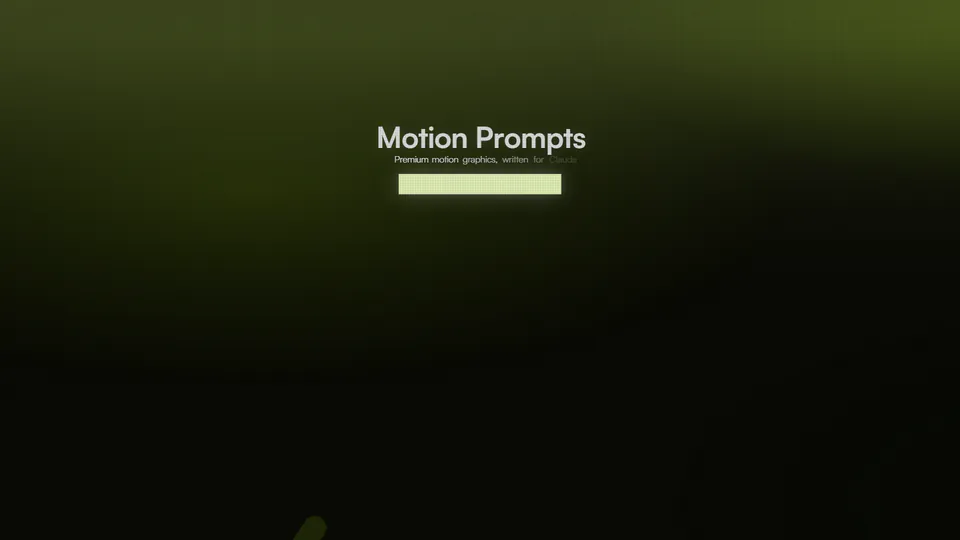
The name flickers in
The letters of your product name switch on in random order in about half a second, flickering before they settle.
- 0.6 s
Subtitle and blocks
The subtitle slides in word by word from the right. At 1.1 seconds three small lime blocks fade in, rise a little and round their corners.
- 0.7 s
The line draws itself
A thick, faint olive line starts drawing a long curve across the frame and finishes around 3.6 seconds.
- 2.4 s
First pill
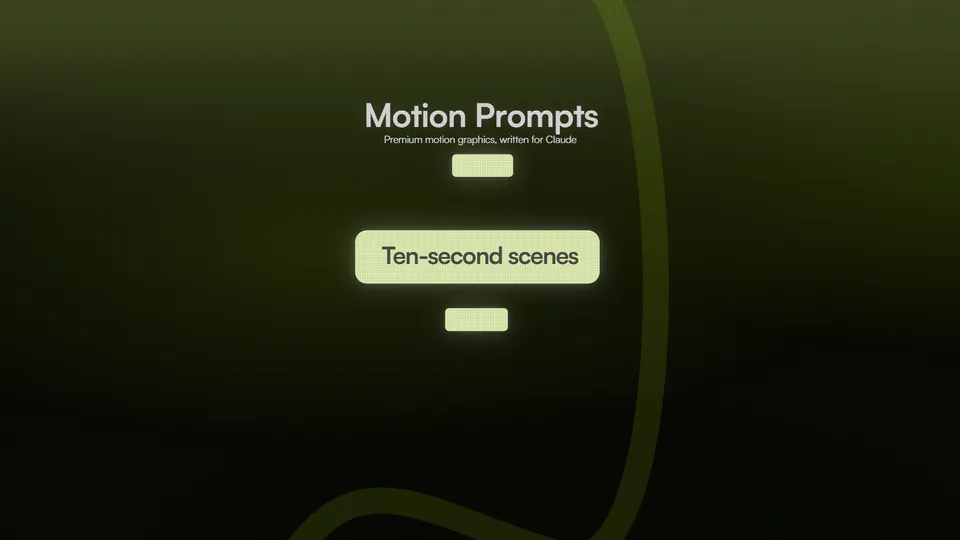
The left block drops to its place, stretches into a wide pill and its words rise inside it.
- 3.4 s
Second and third pills
The middle block drops and grows, then the right block slides to the center, drops and grows. Each feature rises inside its pill about a second after the previous one.
- 5.3 s
The push-in
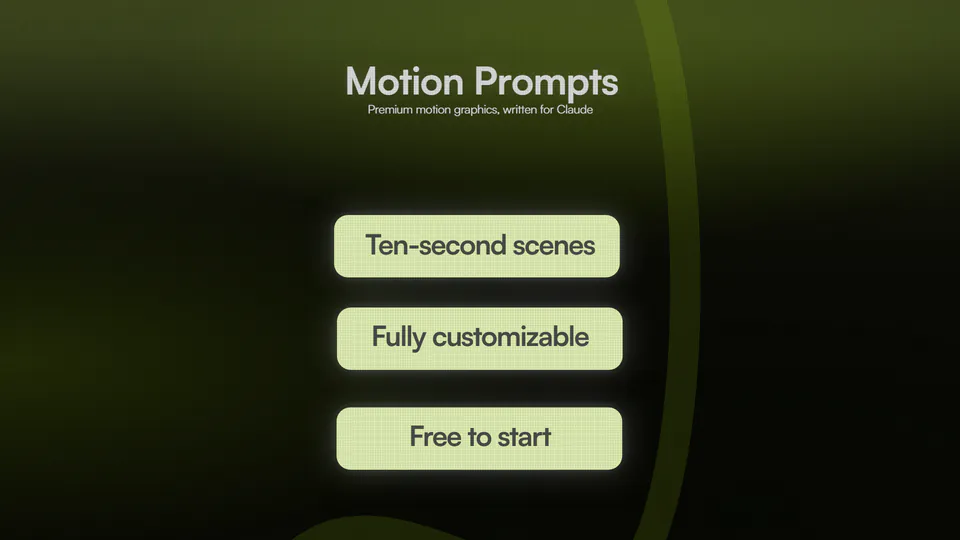
The camera, which has been pushing in slowly since the start, begins a stronger push. The sequence ends on the finished stack at 6.6 seconds.
Frames from the scene
Entrance, middle and final hold, with the example content.
What you can customize
- Title
- Your product or topic, up to 24 characters. Longer titles shrink to fit the width.
- Subtitle
- One short line under the title, up to 60 characters.
- Three features
- One per line, ideally under 20 characters, so each fits its pill at full size. Longer lines shrink a little.
- Format
- Vertical 1080 × 1920 is the native layout. Landscape and square show the same scene centered.
- Build with
- Remotion, HyperFrames or a single HTML file. The code is the same in all three, so the timing never drifts.
Best for
Product launches
Name the product and its three strongest claims, like smaller, faster and free, in one short vertical clip.
Tech and AI news
Summarize what a new tool or model does in three lines, the way news edits on Shorts and TikTok do.
Feature recaps
Close a demo or a tutorial with the three things viewers should remember.
How to use it
Customize
Change the text, the color, the format and the tool in the panel above. The live preview follows as you type.
Unlock
Leave your email once to reveal the full prompt and copy it. It is free during launch.
Paste into Claude Code
Start Claude Code in a project folder (npx create-video for Remotion, npx hyperframes init for HyperFrames, any empty folder for plain HTML) and paste the prompt. Claude writes the scene with your content.
Check the 3 frames
Before any render, Claude shows you three still frames: the end of the entrance, the middle of the hold and the moment just before the exit. Ask for fixes until they match the preview.
Render
Approve and let Claude render the video: an MP4 to upload, or a transparent WebM or ProRes 4444 file for your editor. A plain HTML scene is captured frame by frame with a headless browser and FFmpeg.
Pro tips
- Write each feature as two or three words with a strong adjective or number, like the example.
- Add a soft pop each time a pill lands, around 2.9, 4.0 and 5.2 seconds.
- Cut to your next shot during the final push-in: the sequence is built to end there.
Questions
Why does the prompt contain code?
Because describing these keyframes in words is slow to rebuild and easy to get wrong. The prompt gives Claude the working scene with your text already in it, so it only has to set it up in your tool.
Why does the motion look slightly stepped?
The original edit renders the animation at 22 frames per second inside a 30 fps video, which gives it the punchy cadence of fast news edits. The code keeps it.
Can I use two or four features?
The choreography is built for three pills, exactly like the original. For another count, ask Claude in the Anything else field, knowing the timing will no longer match the reference.
Which fonts does it use?
Satoshi Bold and Satoshi Regular, free fonts from Fontshare. The code loads them for you.
More animations
Browse the library