Glowing button word click
A glowing glass button flips through three words, a hand cursor clicks, then a neon ring title and a 3D carousel of glowing app tiles follow.
Interfaces5–6 s16:9, 9:16, 1:1Build with Remotion, HyperFrames or HTML
Your prompt
Your prompt is ready
Leave your email to see it and copy it. Free during launch.
Paste it into Claude (Claude Code works best). It builds the scene and shows you 3 still frames before rendering. How to use it
About this animation
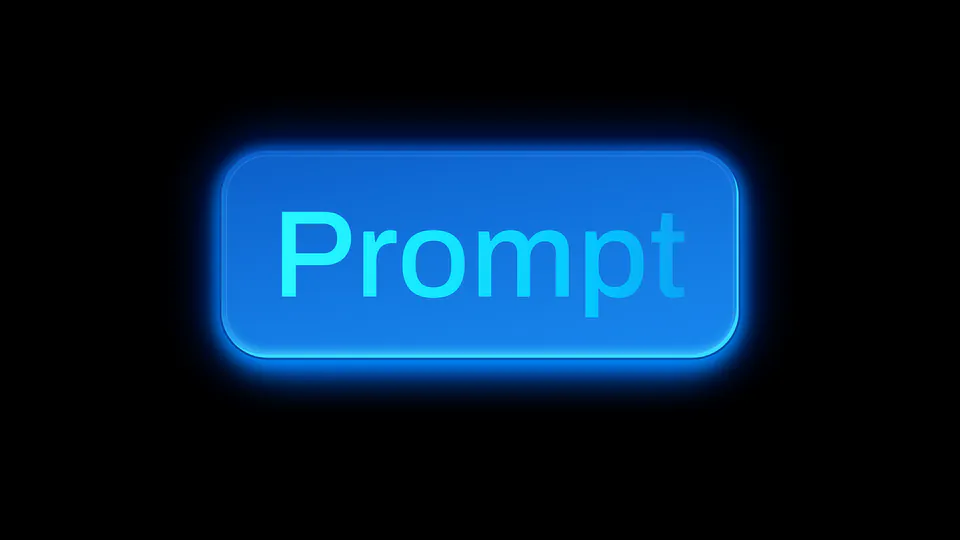
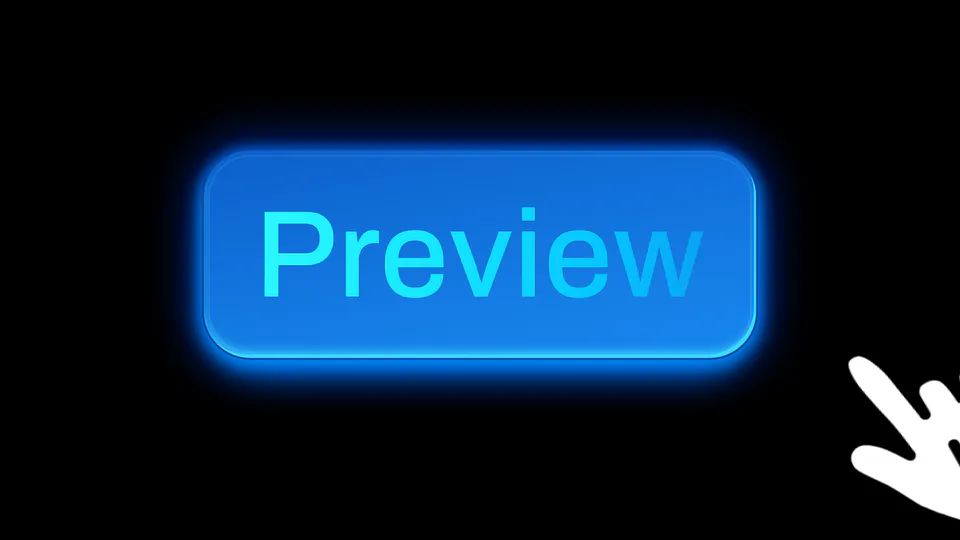
Three verbs, one button, one click: this is the shortest way to show a workflow. On black, a huge glossy button of blue glass glows like a neon sign, and the word inside changes in hard cuts every half second, Prompt, Preview, Export, while the button drifts slowly upward. On the third word, a white cartoon hand cursor swoops in from the front of the frame, turning as it flies, and lands right on the word.
As it clicks, the button sinks to 70 percent of its size, the hand pulls away into the depth of the scene and tilts back, and two frames of dark glass with glowing blue edges open around the button. Every value comes from a professional After Effects scene: the half-second cuts, the parented drift of the three word layers, the hand flying in 3D through the default 50 mm camera, the 0 to 230 percent frames and the Archivo Medium type.
Scene timeline
Second by second, with the example content. Timing adapts to your text.
- 0.0 s
First word
The glowing glass button holds your first word in bright cyan, and the whole button keeps drifting up on a very sharp ease.
- 0.5 s
Hard cut to the second word
The word changes in a single cut, with no fade; the button keeps the same glow and continues its slow drift.
- 0.88 s
Glass frames start opening
Two rounded frames of dark glass with glowing blue edges grow out of the button, from 0 toward 230 percent, almost invisible at first.
- 1.0 s
Third word and the hand
A last cut brings the word to click, while a white hand cursor flies in from the front of the frame, turning and shrinking as it approaches.
- 1.29 s
The click
The hand lands on the word and presses: the button sinks to 70 percent, the hand pulls back into depth and tilts away, and the glass frames light up fully.
- 1.59 s
Neon ring and title
Exactly as the original edit continues after the click: seven neon-blue arcs flash in every 0.042 seconds and open into a ring, your first line settles in white and your key word rises beneath it in neon blue.
- 3.46 s
Carousel of glowing app tiles
Cut to six glossy black app tiles with glowing blue edges, set on a circle in real 3D: the circle tilts up, grows and turns to bring the next tile to the front. With Transition out the shot cuts at 5.13 seconds, as in the original edit; with Hold the last frame the image holds.
Frames from the scene
Entrance, middle and final hold, with the example content.

What you can customize
- Three words
- One short word each, ideally verbs. The button grows to fit each word, and very long words shrink to stay in frame.
- Ending
- Transition out cuts at 5.13 seconds, after the 3D carousel of app tiles, like the original edit. Hold the last frame keeps the final image on screen until 6 seconds.
- Format
- Landscape is the original framing. Vertical and square keep the same scene, slightly smaller.
- Color
- The Color menu turns the blue glow to another hue while the black background and the white hand stay the same.
Best for
Workflow and product demos
Name three steps of a process, such as write, check and ship, and end on the action that matters.
Calls to action
Put Subscribe, Download or Start as the last word: the click makes the action feel done.
SaaS and AI tool videos
The neon glass button fits software, automation and creator tools.
How to use it
Customize
Change the text, the color, the format and the tool in the panel above. The live preview follows as you type.
Unlock
Leave your email once to reveal the full prompt and copy it. It is free during launch.
Paste into Claude Code
Start Claude Code in a project folder (npx create-video for Remotion, npx hyperframes init for HyperFrames, any empty folder for plain HTML) and paste the prompt. Claude writes the scene with your content.
Check the 3 frames
Before any render, Claude shows you three still frames: the end of the entrance, the middle of the hold and the moment just before the exit. Ask for fixes until they match the preview.
Render
Approve and let Claude render the video: an MP4 to upload, or a transparent WebM or ProRes 4444 file for your editor. A plain HTML scene is captured frame by frame with a headless browser and FFmpeg.
Pro tips
- Say the three words in rhythm with the cuts, one every half second, and land the last one on the click at 1.3 seconds.
- Put a click sound at 1.29 seconds and a soft whoosh as the hand flies in at 1.0 second.
- Use the cut ending to jump straight to the result of the action, such as the exported video.
- Keep the words short: five to eight letters fill the button best.
Questions
Which font does it use?
Archivo Medium, the font of the original scene, served with the code. You can switch it from the Font menu.
Is the hand cursor an image?
Yes, the same white pointing hand with a black outline and a soft shadow as the original scene, served with the code and moved in real 3D with the original keyframes.
Why do the words change in hard cuts?
That is the rhythm of the original edit: one word every half second, without fades, so each word lands like a beat.
Can I make it longer?
Choose Hold the last frame: the carousel of app tiles finishes its turn and the image holds until 6 seconds.
More animations
Browse the library