Ticked checklist with 3D camera
Four lines tick into place on lime highlights, a real 3D camera turns in beside the third, then one short line lands alone.
Lists & steps3.7 s16:9, 9:16, 1:1Build with Remotion, HyperFrames or HTML
Your prompt
Your prompt is ready
Leave your email to see it and copy it. Free during launch.
Paste it into Claude (Claude Code works best). It builds the scene and shows you 3 still frames before rendering. How to use it
About this animation
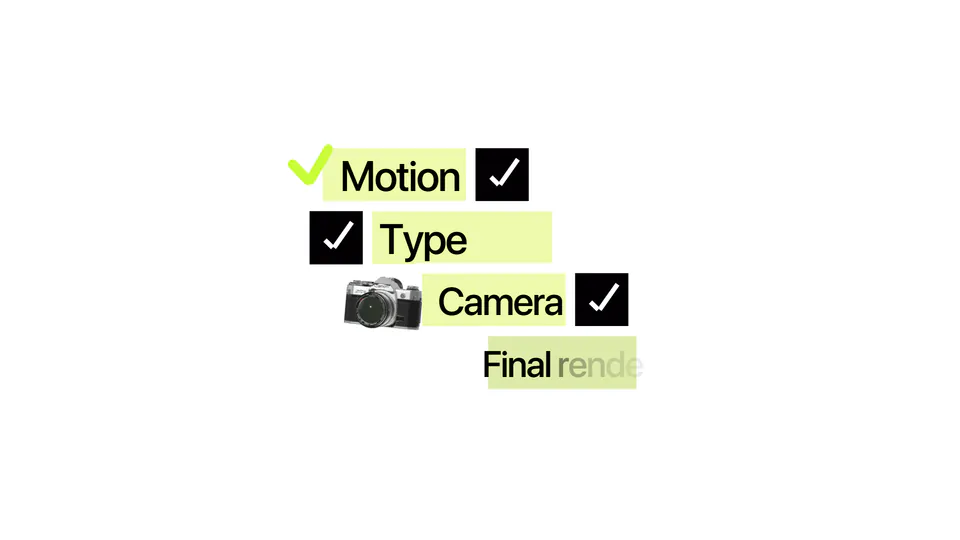
A checklist is the fastest way to say that everything is covered. Here four short lines build a staircase on white: each one arrives on a soft lime highlight, its word types in, and a black check box pops in with a tick. A real 3D model of a retro camera turns into place beside the third line, then the frame cuts to one closing line, alone in the middle.
The scene comes from a professional After Effects project and was rewritten as readable code, keyframe by keyframe: the same curves, the same staircase, the same re-centering of the list as each line arrives. Because it is plain code, everything stays editable: from one to six lines, any words (each highlight grows to fit), every color, the icon and the closing line.
Scene timeline
Second by second, with the example content. Timing adapts to your text.
- 0.3 s
First line
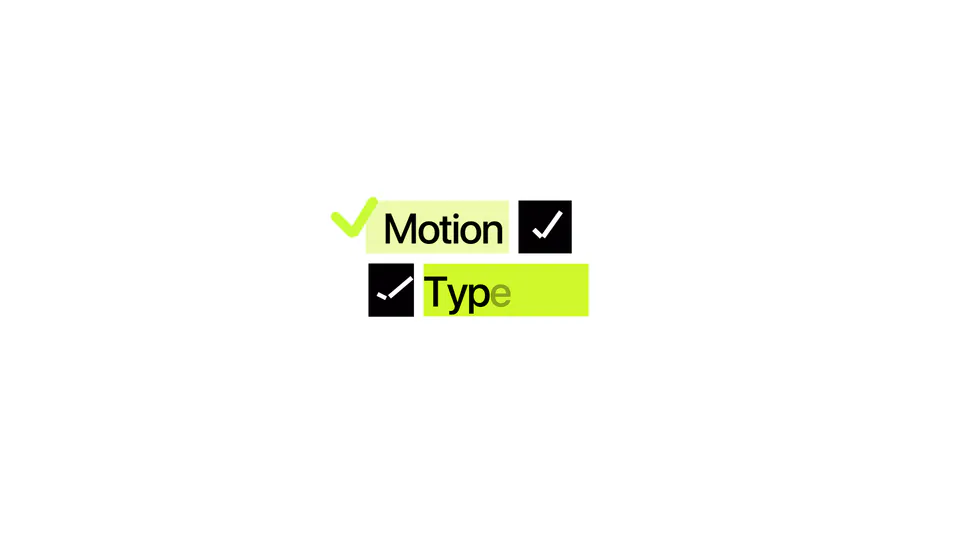
A lime highlight slides in, your first word types in with a green check mark on its left, and a black check box pops in on its right.
- 0.8 s
Second line
One step lower, a check box comes first, then the second word types in on its own lime bar.
- 1.4 s
Third line and the 3D camera
A real 3D camera turns into place beside the third line while it types in and gets its tick.
- 2.1 s
Fourth line
The last line closes the staircase with a check box on its left; the whole list then holds for a beat.
- 3.08 s
Closing line
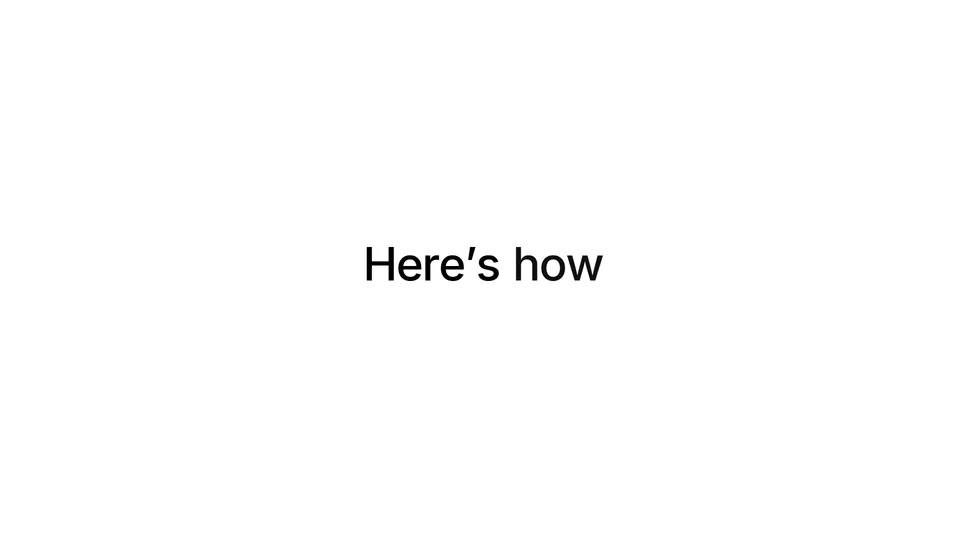
Hard cut to a white frame with your closing line alone in the middle, until the scene ends at 3.74 seconds.
Frames from the scene
Entrance, middle and final hold, with the example content.
What you can customize
- Lines
- From one to six lines, one or two words each. Longer words make their highlight grow; extra lines continue the staircase and the list re-centers.
- Color
- The Color menu turns the lime highlights to another hue; black, white and the camera stay as they are.
- Format
- Landscape is the original framing. Square and vertical keep the center of the scene at the same size, with white around it.
- Icon and closing line
- Ask Claude to swap the camera picture for your logo or any transparent PNG, and to write any closing line; it slides in word by word.
Best for
Feature lists
Show what a product covers in four words, then hand over to the demo with the closing line.
Workflow recaps
Script, voice, edit, export: tick the steps of a process before showing the result.
Creator and video tool promos
The camera model fits anything about filming, editing or video production.
How to use it
Customize
Change the text, the color, the format and the tool in the panel above. The live preview follows as you type.
Unlock
Leave your email once to reveal the full prompt and copy it. It is free during launch.
Paste into Claude Code
Start Claude Code in a project folder (npx create-video for Remotion, npx hyperframes init for HyperFrames, any empty folder for plain HTML) and paste the prompt. Claude writes the scene with your content.
Check the 3 frames
Before any render, Claude shows you three still frames: the end of the entrance, the middle of the hold and the moment just before the exit. Ask for fixes until they match the preview.
Render
Approve and let Claude render the video: an MP4 to upload, or a transparent WebM or ProRes 4444 file for your editor. A plain HTML scene is captured frame by frame with a headless browser and FFmpeg.
Pro tips
- Use four words of similar length, as in the example, so the staircase stays even.
- Put a soft tick sound on each check box, at about 0.4, 0.8, 1.5 and 2.2 seconds.
- Cut to your demo right after the closing line: it is written to hand over to the next shot.
Questions
Is it really the After Effects animation?
Yes. Every keyframe and easing curve of the original scene was copied into the code, and the result was compared frame by frame with the After Effects render.
Can I change the camera icon?
Yes. It is a picture of the 3D camera model of the original scene (CC BY 4.0, Aleixo Alonso); the prompt tells Claude where to put your own PNG.
Can Claude change the animation itself?
Yes. The prompt contains the whole code with named colors, lines and timings, so Claude can add lines, recolor elements or adapt the closing line to your sentence while keeping the original motion.
More animations
Browse the library