Punch word on concentric rings
A short line drops in on white, pink rings burst behind one punch word, then snap into a beating heart button.
Kinetic type5–6 s16:9, 9:16, 1:1Build with Remotion, HyperFrames or HTML
Your prompt
Your prompt is ready
Leave your email to see it and copy it. Free during launch.
Paste it into Claude (Claude Code works best). It builds the scene and shows you 3 still frames before rendering. How to use it
About this animation
Some sentences hinge on a single word: daily, free, never, now. This six-second sequence builds the whole frame around it. Your lead-in drops onto a white screen word by word while it zooms out to size. Then eleven pink and magenta discs burst from the center one after another, each one overshooting and settling, and fill the frame with hypnotic rings. Your punch word shoots up from below in white with a hard dark shadow, springs past the center and lands. A second later the rings snap together into one domed pink button, three blurred glows in dusty red, magenta and salmon spread behind it, and a white heart pops in its center before the button starts to beat.
Nothing here is a generic tween. The keyframes, the easing curves, the inertia bounces and the motion blur come from a professional After Effects edit, frame for frame. The prompt hands Claude the working code, already filled with your words, so building it in Remotion, HyperFrames or plain HTML takes minutes instead of a long reconstruction.
Scene timeline
Second by second, with the example content. Timing adapts to your text.
- 0.0 s
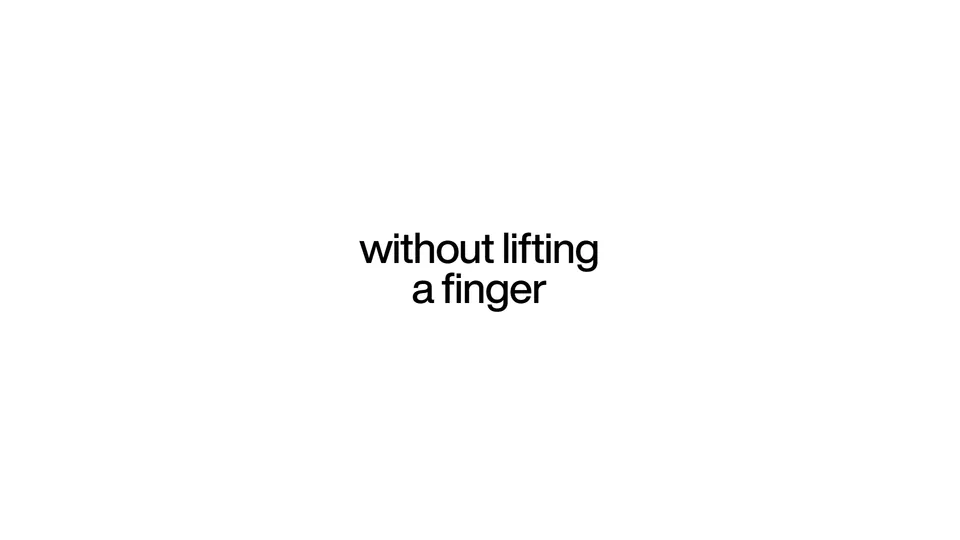
The lead-in drops in
Two centered lines in black. Each word falls into place from just above as it fades in, left to right, while the whole line snaps from almost twice its size down to its final size around 0.1 seconds.
- 0.5 s
Rings burst from the center
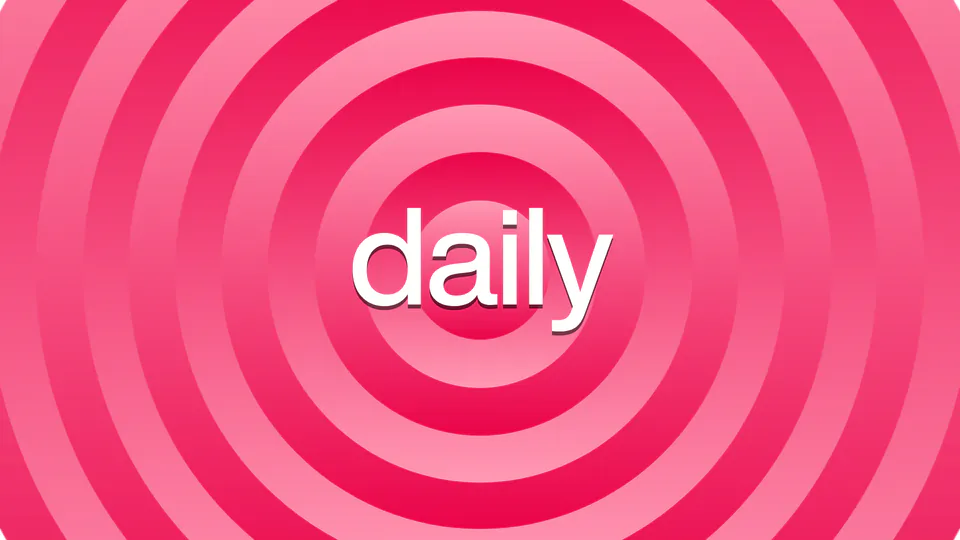
Eleven discs, one every 25 milliseconds, grow from a dot to full size in 0.3 seconds each, overshoot by about 8 percent and settle. Every disc carries a pink-to-magenta gradient and every other one is flipped, so the rings look domed. The lead-in floats up and fades out on top of them.
- 0.67 s
The punch word springs up
The word shoots up from 393 pixels below, reaches the center in a tenth of a second, overshoots by a quarter of that distance and settles by 1.2 seconds, motion blur included.
- 1.6 s
The rings snap into a button
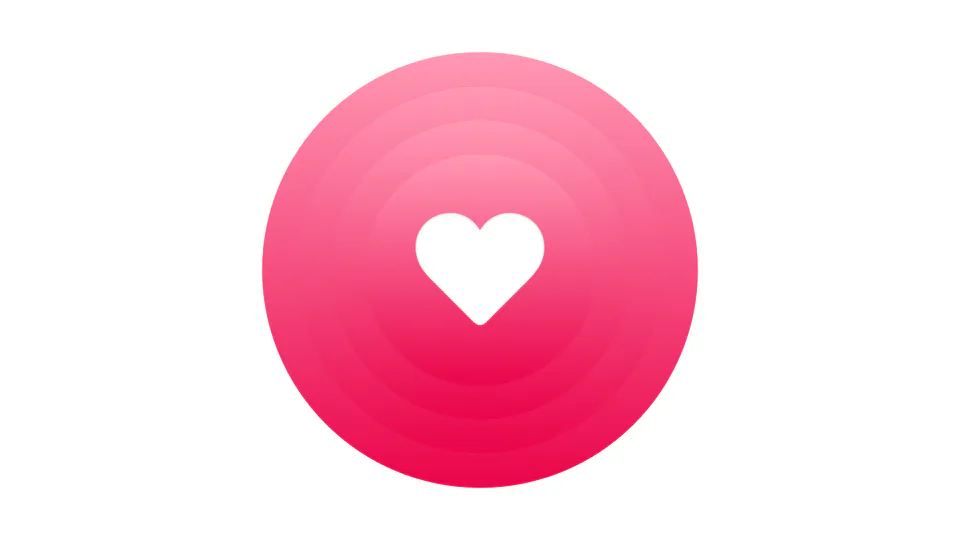
The word dips, then drops and fades. The whole target shrinks to 54 percent while each disc jumps to its button size in 0.27 seconds and wobbles, which leaves thin glossy rims inside the button. Three blurred glows grow and fade behind it.
- 1.93 s
Heart and heartbeat
A white heart with a soft inner shadow pops in the center and overshoots slightly. From 2.17 seconds the button beats between 54 and 70 percent, half a second per beat, on a clean white background.
Frames from the scene
Entrance, middle and final hold, with the example content.
What you can customize
- Lead-in line
- Up to 60 characters, split into two balanced lines. Keep it to four or five words like the example: the reveal hits hardest when the sentence ends right as the rings burst. Leave it empty to open on the rings.
- Punch word
- Up to 16 characters on one line. Short words keep the full size; longer ones shrink to stay inside the pink disc as it opens, so the white word never lands on the white background.
- Button icon
- Keep the heart symbol to get the heart shape, or type up to three characters, such as a star, a number or NEW, written in white in the center.
- Format
- Landscape 1920 × 1080 by default. Vertical and square keep the exact same sizes around the center: the rings always fill the frame.
- Build with
- Remotion, HyperFrames or a single HTML file. The code is the same in all three, so the timing never drifts.
Best for
Hooks and punchlines
Set up the idea with a short line, then land the one word that carries it in the first seconds of a Short, a Reel or a TikTok.
Health, wellness and app videos
The pink target and the heart button fit health tracking, fitness, self-care and any app feature that runs on its own.
Calls to action
Swap the heart for a star, a number or a short tag to end on a button that reads like a like, a save or a subscribe prompt.
How to use it
Customize
Change the text, the color, the format and the tool in the panel above. The live preview follows as you type.
Unlock
Leave your email once to reveal the full prompt and copy it. It is free during launch.
Paste into Claude Code
Start Claude Code in a project folder (npx create-video for Remotion, npx hyperframes init for HyperFrames, any empty folder for plain HTML) and paste the prompt. Claude writes the scene with your content.
Check the 3 frames
Before any render, Claude shows you three still frames: the end of the entrance, the middle of the hold and the moment just before the exit. Ask for fixes until they match the preview.
Render
Approve and let Claude render the video: an MP4 to upload, or a transparent WebM or ProRes 4444 file for your editor. A plain HTML scene is captured frame by frame with a headless browser and FFmpeg.
Pro tips
- Choose the word your voice-over stresses, ideally short: it reads instantly at full size.
- Add a soft whoosh as the rings burst at 0.5 seconds, a low hit as the word lands, and a heartbeat on each pulse of the button.
- Cut to your next shot on a beat of the button, or let it pulse under your voice-over.
Questions
Why does the prompt contain code?
Because describing eleven staggered discs, their bounces and the motion blur in words is slow to rebuild and easy to get wrong. The prompt gives Claude the working scene with your text already in it, so it only has to set it up in your tool.
Why do the rings look domed?
Each disc has a vertical gradient from light pink to deep magenta, and every other disc is flipped. At the top and bottom the bands alternate light and dark, while at mid-height they share the same tone, which reads as a curved surface.
Can I replace the heart?
Yes. Type up to three characters in the Button icon field, such as a star, a number or a short tag, and they appear in white in the center of the button.
Which font does it use?
Helvetica Now Display Medium, the closest match to the grotesque of the original edit, with slightly tight spacing. The code loads it from motionpromptsai.com.
More animations
Browse the library